Cats
Cats are made in the game's Cat Creator and shared with its Share button. Subscribe to one and it appears in every cat picker under From the Workshop. Edit it and the game saves a copy of your own.

Cats, furniture and rooms for windowcat, made by players.
windowcat-modkit.zip, 0.9 MB
Cats are made in the game's Cat Creator and shared with its Share button. Subscribe to one and it appears in every cat picker under From the Workshop. Edit it and the game saves a copy of your own.

Items are furniture and decorations: a model in its own colors, and what the cats do with it (scratch it, eat from it, sit in it). Subscribed items are on the Catalog's Workshop shelf, ready to put in the room or on the desktop.
Rooms are a room's look and, if the maker included them, the furniture and decorations in it. To share your own room, open Redecorate in the game and choose Share This Room.
A mod for windowcat is a pack: a folder with a piece of furniture or a decoration, a look for the room, or a cat. You can use your own packs straight away and share them on the Steam Workshop. This guide starts with a piece of furniture made in Blender with the windowcat Modding Kit, then covers the rest.
About ten minutes. You need windowcat and Blender 4.2 or newer (free from blender.org).
Download windowcat-modkit.zip and unzip it anywhere. It holds:
windowcat_kit.py, the Blender add-on;starter.blend, a file ready to work in;templates/, packs to copy if you aren't using Blender;README.md, the short version of this page.In Blender: Edit > Preferences > Add-ons. Click the arrow at the top right of the list, choose Install from Disk, pick windowcat_kit.py, and tick Windowcat Modding Kit. You do this once.
Open starter.blend.
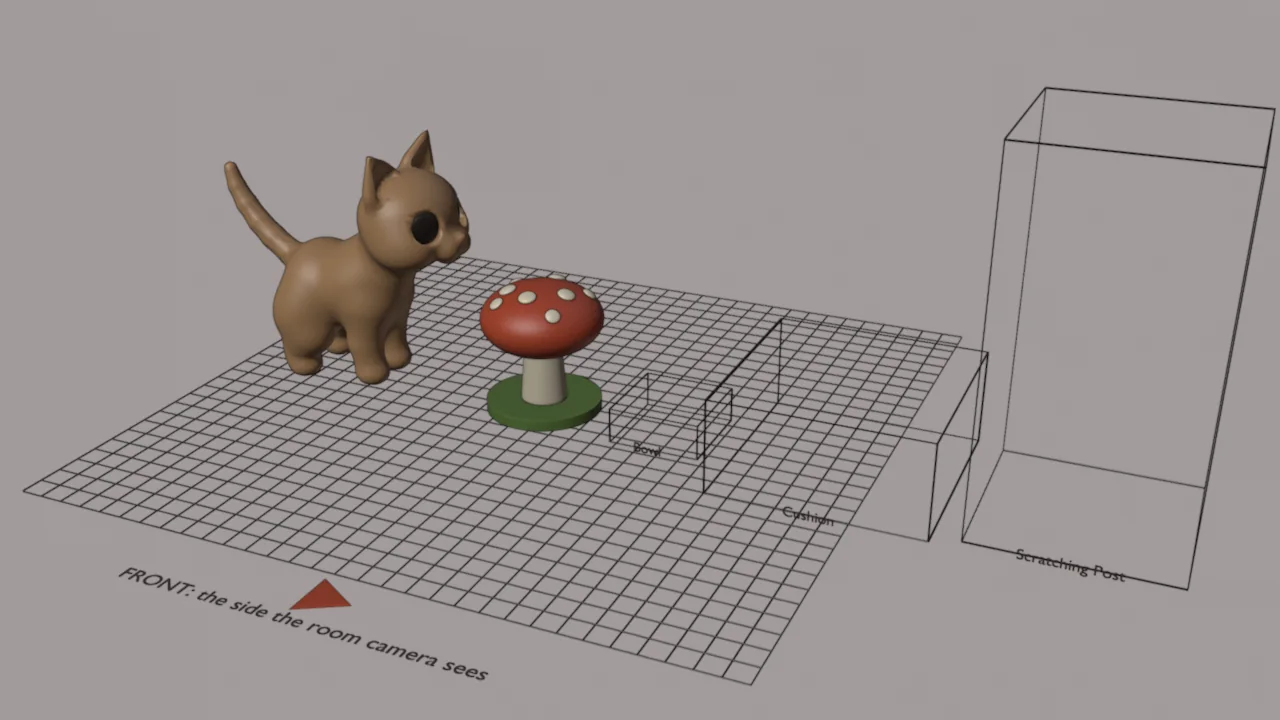
What is in it:
Press N to open the sidebar and pick its Windowcat tab.
Change the example, or delete it and build your own in the Your Piece collection. Some first changes:
Model in Blender's units: one Blender unit is one unit in the game, and the reference cat shows how big that is. Leave the colors to the materials: the kit paints each face with its material's color when it exports, so there is no vertex painting to do.
The Windowcat tab has three panels.
Pack
Sizes and Touch Points (closed at first): what the kit measured from the model, and Set by Hand to use your own numbers instead.
Export: the folder packs go to (empty is windowcat's mods folder), Check, Export Pack and Open Folder. What Check and Export Pack found is listed underneath, one line each.
For the example: Name Toadstool Lamp, Kind Decoration, What Cats Do Nothing, Occasion Everyday.
Press Check. It looks at the selected objects (with nothing selected, the Your Piece collection) and lists what it found: the piece's size, its triangles and vertices against the game's limits, which parts glow, what the cats will do with it, and anything it will change. It writes nothing.
Press Export Pack. On a copy of your objects (your scene is never changed) the kit applies their modifiers and transforms, joins them, paints the colors in, stands the piece on the floor centered on its origin, and writes three files to %APPDATA%\studio.rokuro.windowcat\mods\toadstool-lamp\:
model.glb, the model, exported with the settings the game reads;item.json, the pack's manifest;preview.png, its picture for the Catalog and the Workshop, drawn in the game's style: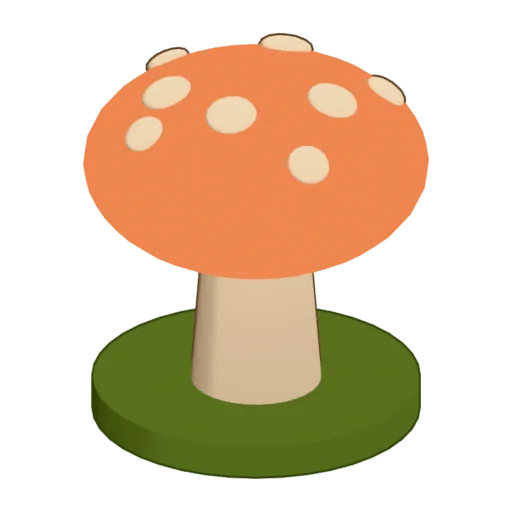
The last lines say how big the files came out and where they went.
In windowcat, open the Catalog on the side table by the window, pick the Workshop shelf and press Reload. Your piece is listed with its picture: press Room to put it in your room, or Desktop to put it beside the bed on the taskbar. Drag it where you like.
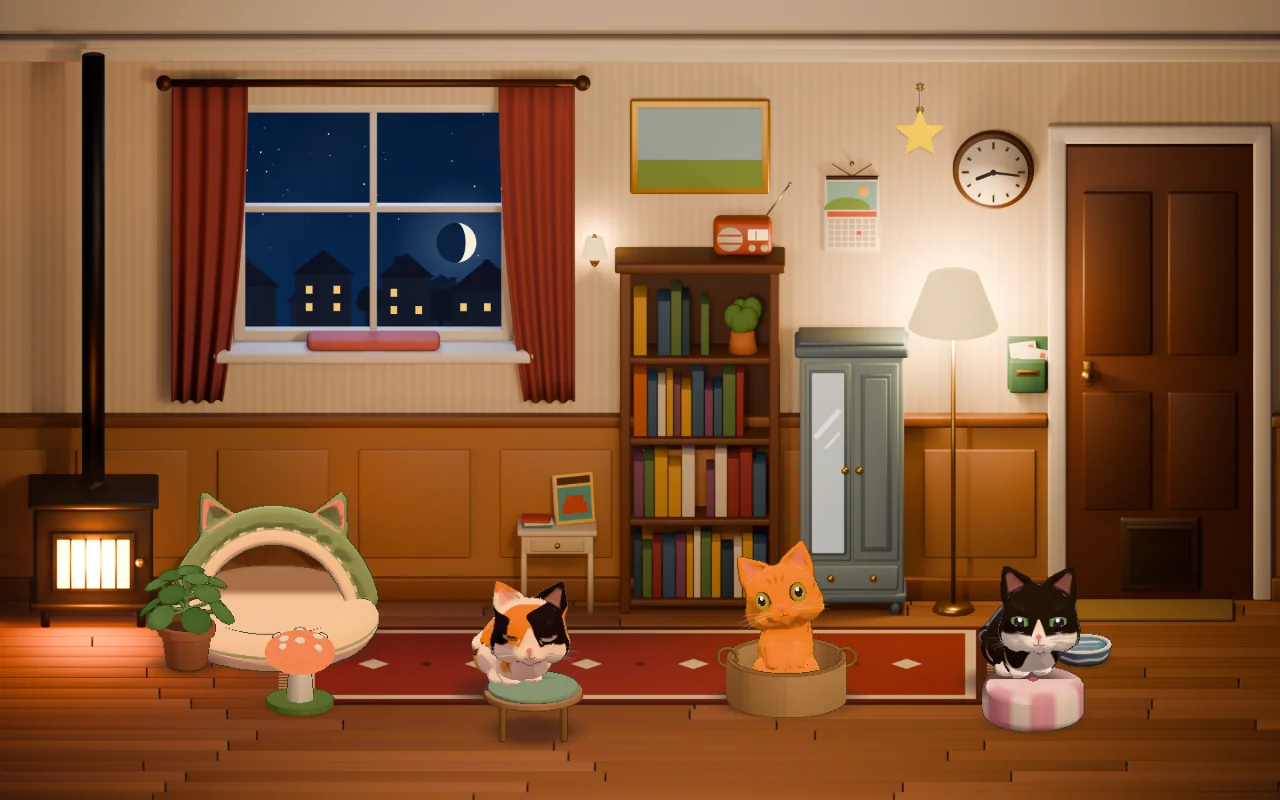
Each time you export again, press Reload to see the change.
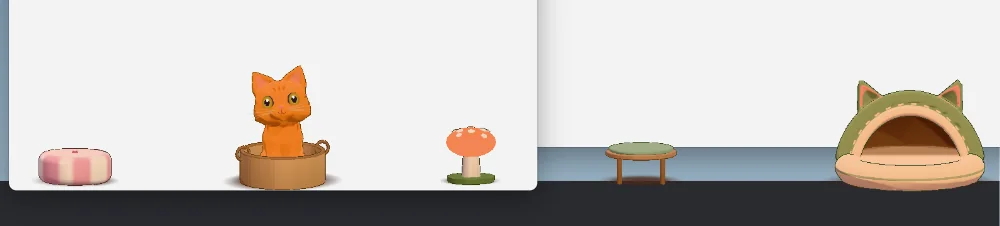
With Steam running, open the Catalog's Workshop shelf again: under Your Packs, press Share beside your pack. It goes up to the Steam Workshop with preview.png as its picture. The first time, Steam keeps it hidden until you accept the Workshop agreement on its page, which opens for you. Sharing the same pack again updates it.
Set What Cats Do and the kit measures what the cats need from the model:
| What Cats Do | What the cats do | What the kit measures |
|---|---|---|
| Scratch It | Scratch it standing beside it, and climb to its top. | The post's radius halfway up, its top, and its top platform's width. |
| Eat from It | Eat from it, then lick their lips. | The rim's radius. |
| Sniff and Bat It (Plant) | Sniff it and bat at its leaves; it sways. | The leaves' radius. |
| Sit in It (Box) | Jump in and loaf on its floor. | The floor inside, the walls' height and the inside's width. |
| Sleep on It (Cushion) | Knead it and nap on it. | Its top. |
A box must be open at the top: the kit finds its floor by looking straight down into the middle. A cushion's top is where it is at its middle.
How wide a top has to be:
Check says so when a piece is narrower than that.
Set Kind to Wall Piece. A wall piece hangs from its origin: put the origin at the top middle, where it would hang from a nail, with the piece below it and in front of the wall. Show the Reference Wall collection to see the wall: it is the plane at the origin, and the front is toward you in the Front view.
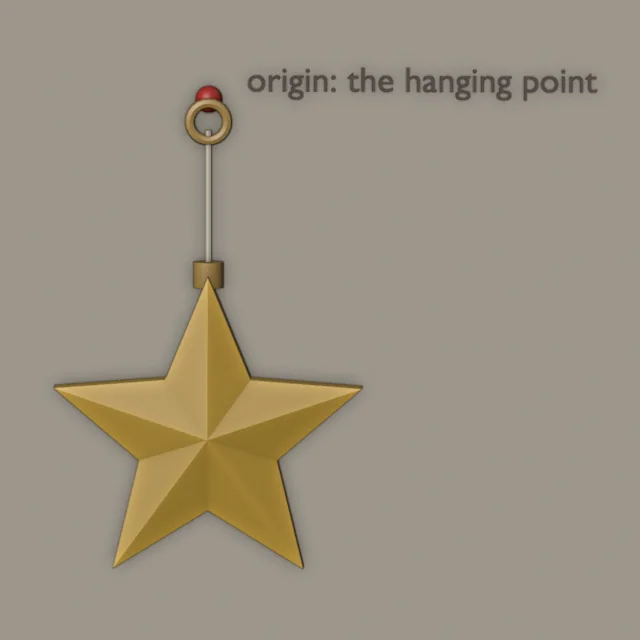
The kit centers a wall piece across its origin and moves it back until it touches the wall. A wall piece may reach up to 10 above its hanging point; if all of it is above the origin, the kit moves it down so its top is at the origin. Wall pieces don't go on the desktop, and the cats leave them alone.
A part glows when its material's Emission Strength is above 0: it is drawn in its own light, unlit by the room, and flickers a little, like the game's candles and lanterns. At 0.9 and above it glows fully; under that, partly. Its color is the material's Emission Color, or its Base Color if the Emission Color is left white. Glowing parts have no outline.
Each face takes its material's color:
A part with a color attribute of its own (painted in Vertex Paint) keeps it: the kit uses it as it is. A part with no material is a warm tan.
Flat colors, a few to a piece, read best at the game's size. The game adds its own shading, outline and grain.
A room pack is a look for the room (a color for each surface, a wallpaper and a rug pattern, on one of the three room styles), and may bring furniture. Make one in the game, with no kit: decorate your room, click a wall to open Redecorate, and under Share This Room give it a name and press Save as Pack, or Share on the Workshop to save it and share it at once. templates/room/house.json is a room pack to copy and edit by hand.
A cat pack is a cat exactly as the cat creator exports it. Make your cat in the creator and press Share to put it on the Workshop, or Export for its file. templates/cat/cat.json is one to copy.
Any program that exports a binary glTF (.glb) can make a piece. Start from templates/item/: replace model.glb with yours, and edit item.json. The model needs a color attribute (vertex colors), no textures, its origin at the middle of its footprint on the floor and its front facing the room. templates/README.md lists every field.
| At most | |
|---|---|
| Size | 30 units any way |
| Triangles | 60,000 |
| Vertices, as exported | 40,000 |
model.glb | 4 MB; 4 meshes, 8 parts with different materials, 64 objects (the kit writes one of each) |
preview.png | 512 KB and 1024 by 1024 px |
item.json | 64 KB |
| Name | 40 characters |
| Id | 48 lowercase letters, digits and hyphens, not starting with a hyphen |
| A wall piece | 10 above its hanging point |
A piece with no textures and a few thousand triangles is plenty: the game's own are under 15,000.
The kit's messages (in the Export panel):
| Message | What to do |
|---|---|
| Nothing is selected | Select your piece's parts in the viewport, or put them in a collection named Your Piece. |
| It is 34 wide, … 30 units is the most any way | Scale the piece down. |
| It has … triangles / It would export about … vertices | Add a Decimate modifier, or use Shade Smooth where faces don't need hard edges (each hard edge doubles the vertices along it). |
| … gets its color from an image texture | Set the material's Viewport Display color to the color you want. |
| Cats get up onto a top only when the piece is more than 5 wide | Make the piece wider, or turn off Cats Can Jump on Top. |
| On the desktop, cats … only when … | Make it wider, or let it be: it works in the room. |
| Cats sit in a box on its floor, … near its top | Open the box at the top: the kit looks straight down into its middle for the floor. |
| Moved … so it stands on the floor | Nothing to do: the kit placed its copy. |
| The picture couldn't be made | The pack works without preview.png; Blender couldn't render here. |
The game's notes (on the Catalog's Workshop shelf, under the tools, as "Pack Name: note"):
| Note | What it means |
|---|---|
| the model has images (or textures) | The model.glb has textures. Export with the kit, or with materials off. |
| the model requires extensions windowcat doesn't load | It was exported compressed (Draco or meshopt). Turn compression off. |
| the model refers to another file | It is a .gltf with a separate .bin. Export glTF Binary (.glb). |
| the model has more than 60,000 triangles (or 40,000 vertices) | Lighten the model. |
| the model is bigger than 30 units | Scale it down. |
| the model reaches below the floor (y 0) | Its lowest point is under its origin: move it up, or export with the kit. |
| the model reaches behind the wall (z below 0) | A wall piece is behind its origin: move it forward, or export with the kit. |
| it has no model.glb | The folder has item.json but no model. |
| another pack has the id … | Two packs share an id: change one. A pack in your mods folder wins over a Workshop one. |
| the pack's id should be lowercase letters, digits and hyphens | Fix id in item.json. |
| its preview should be a PNG at most 1024 px a side (or is over 512 KB) | Make the picture smaller, or leave it out. |
| the cats don't know how to use … | uses is misspelled: scratchPost, bowl, plant, box or cushion. |
A pack that can't be used is left out and never stops the others loading.